01 — B2B
For operators
Control the service behind the scenes.
- Configure locations, services and operating rules
- Set availability, pricing and voucher rules
- Monitor equipment, occupancy and activity
- Manage multiple locations from one workspace
Launch pickup, return, rental and local services through one platform that connects compatible smart lockers and access-controlled equipment from different hardware providers. Users can reserve, pay and unlock services instantly with their smartphones.
One platform. Different hardware. One user experience.
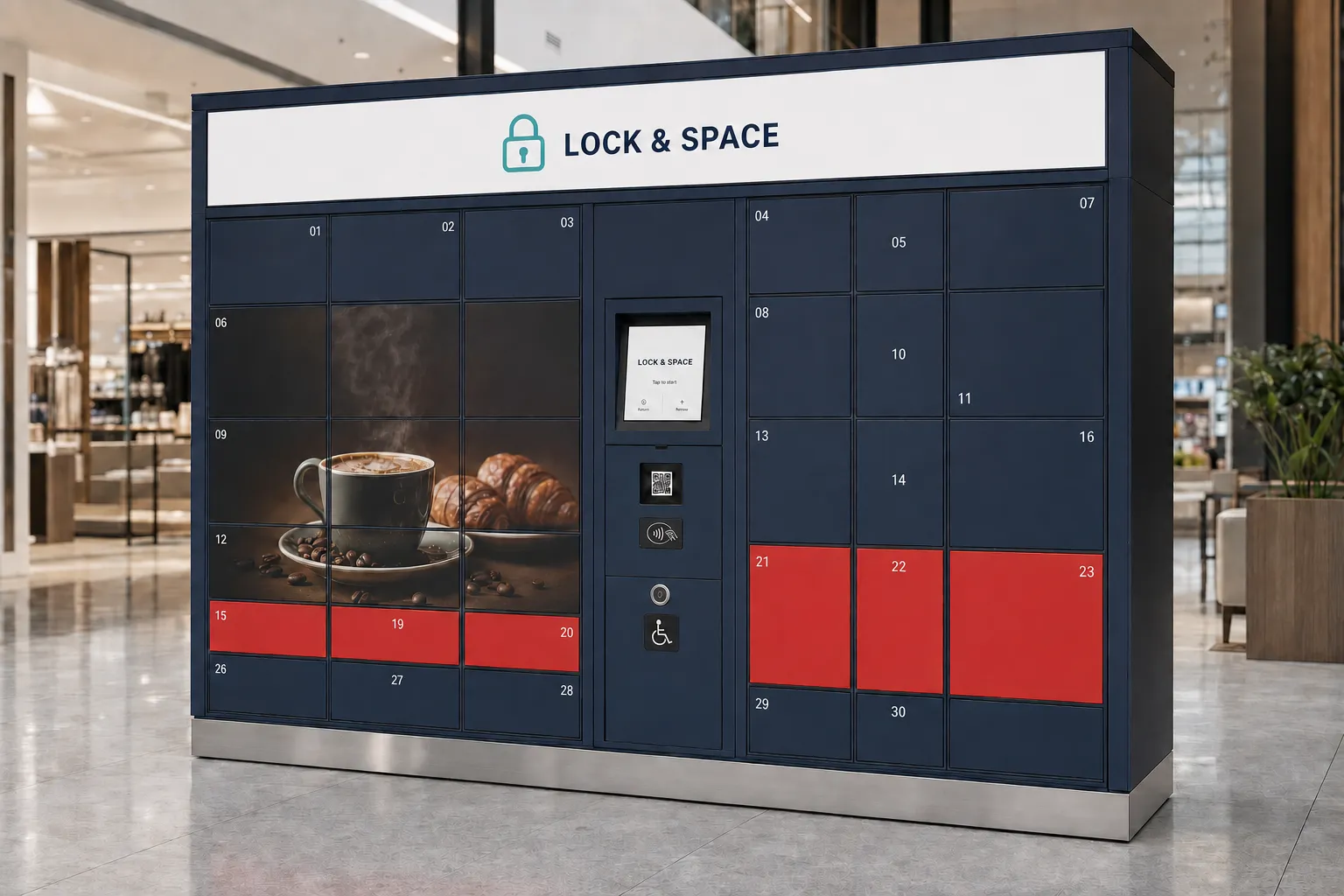 Smart locker • example configuration
Choose an available compartment
Continue →Operators manage locations, equipment, services and usage in one place. Users receive one simple digital experience for reservation, payment and access.
Control the service behind the scenes.
Use the service without waiting for staff.
Start with the services your location needs, then select compatible hardware, operating rules and integrations around that use case.
PRIMARY USE CASESelf-service pickup, returns, rentals and temporary storage with digital access and configurable compartment sizes.
Explore this solution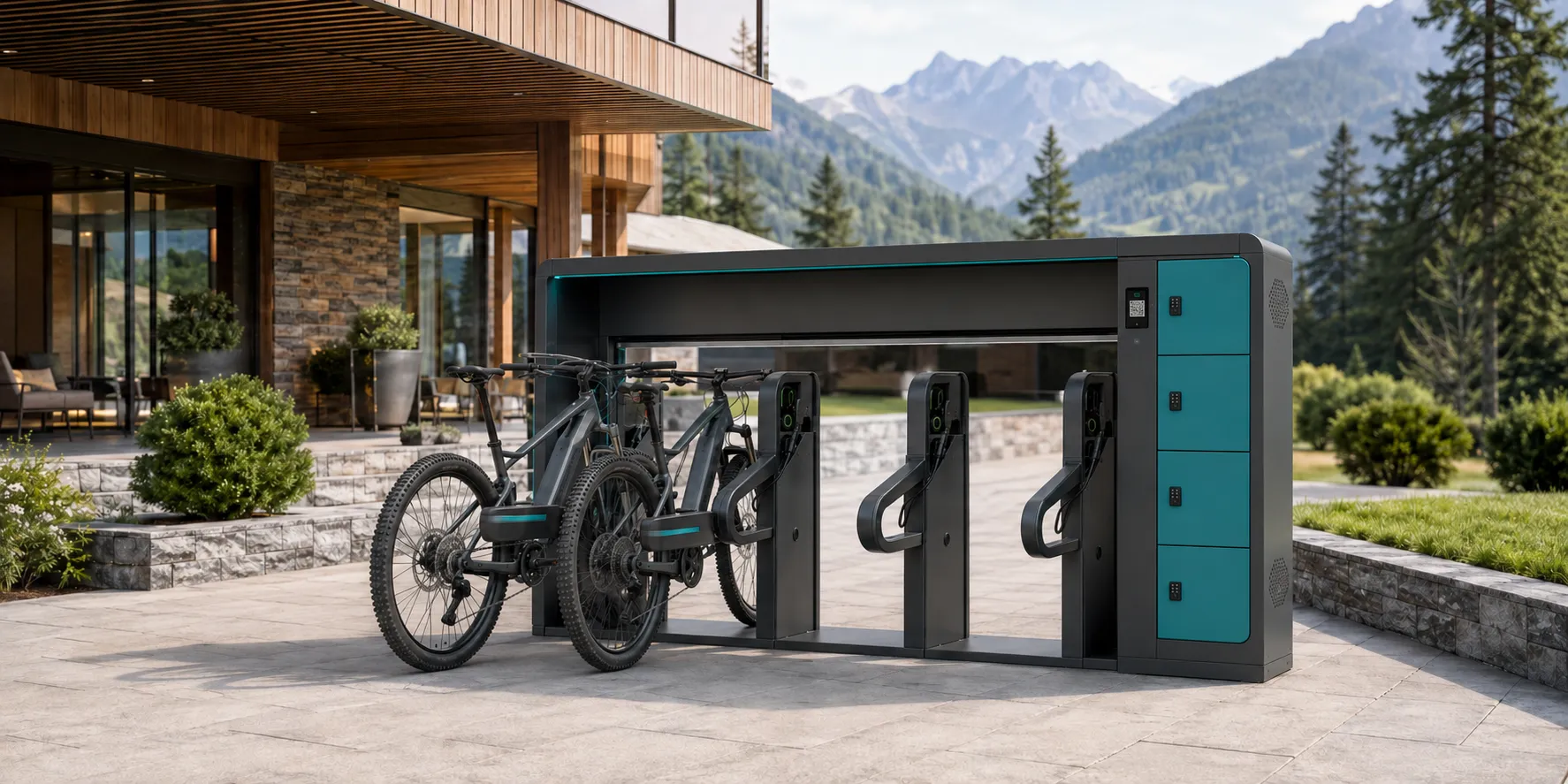 MOBILITY SERVICES
Secure bicycle storage and compatible charging or access-controlled mobility services.
Explore this solutionReservable equipment, service cabinets, pickup points, storage areas and other access-controlled spaces.
Explore this solutionUsers can find a location, choose a service, reserve or pay online and access the assigned space directly from their smartphones.
Reservations, payments, identity, access rules, monitoring and reporting.
Luggage storage, bike facilities, equipment rental and controlled pickup.
Hardware selection, installation, branding and customer-specific connections.
Conceptual operator view. Shown to explain platform capabilities; not live operational data.
Lock & Space is designed as a hardware-independent platform. Compatible smart lockers and access systems from different providers can be connected through a common integration layer, so equipment can match the location, usage and budget.
Each operator has a dedicated workspace to manage locations, equipment, services, users, pricing and reporting as its network grows.
Lock & Space integrates compatible vendor APIs through a common platform layer, giving one operator network a unified operational view and consistent user experience.
Define the services, expected usage, capacity and technical requirements.
Use compatible existing equipment or select the right hardware provider for the location.
Manage services, access, usage and reporting while users receive one consistent experience.
Hospitality and destination teams can offer useful physical services without creating another manual workflow.
Offer pickup, returns, rentals and local services while creating new reasons to visit the location.
Reduce manual reception work and provide secure self-service storage and access.
Support luggage storage, rentals, charging and visitor services.
Provide secure storage, equipment access and mobility-related services.
Connect public-space infrastructure and specialized access-controlled services.
The pilot validates the business model, user experience and most relevant services with real users before expanding to additional locations.
Select the location, target users, initial services and measurable success criteria.
Select suitable hardware, connect it to Lock & Space and prepare the user experience.
Run the service with real users and monitor adoption, transactions, reliability and feedback.
If agreed targets are achieved, move into production and expand gradually to additional locations.
The pilot measurement period begins once the service is operational. If the original use case underperforms, equipment can be adapted to other services or promotional use.
Together, we define the location, initial services and measurable pilot criteria before preparing the solution for real users.